Check if image is AI-generated

Drag and drop your image here or choose image
Using screenshots may decrease detection quality
Max image size 10 MB
3 free checks every month with an account

AI Image Checker: Check If Any Image Is AI-Generated
Upload an image or paste a public image URL to check whether it looks AI-generated. See whole-image AI-generated and not-AI-generated scores, a verdict, and additional result details when available.
/Dual-Score
Get transparent AI-generated and human authenticity scores to prevent false positives.
/Source ID
Identifies specific generative models including Midjourney, Flux, Stable Diffusion, and DALL-E.
How It Works:
Check Any Image in 3 Simple Steps
Upload an image or paste a public URL, then view its AI-generated and not-AI-generated scores in your browser.
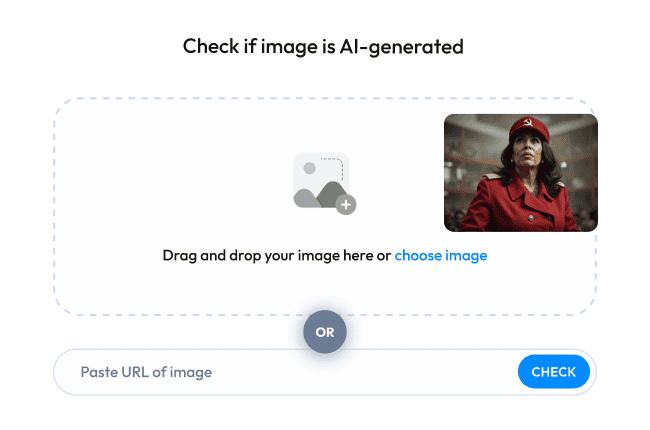
1. Select or Paste Image
Upload any local JPEG, PNG, WebP, or GIF up to 10MB, or paste a public HTTPS link into the URL image checker.
2. Run an Image Check
The detection service analyzes the image and returns whole-image AI-generated and not-AI-generated scores.
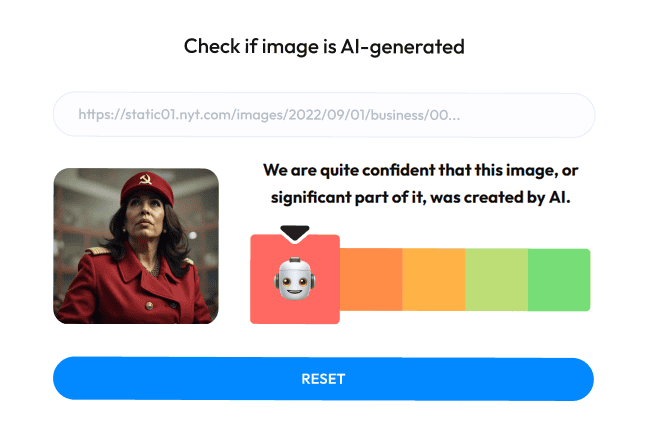
3. View Transparent Breakdown
See the model verdict and scores, an optional deepfake score, and a possible generator when available.
Tips for Reviewing an Image Check
Use these steps to choose an input and read the result:
Upload Uncompressed Source Files
Use the clearest source image available. An original file contains more detail than a heavily compressed screenshot.
Avoid Severe Cropping
Keep the full image when possible so the result reflects the entire scene you want to check.
Evaluate Probabilities Contextually
An Inconclusive verdict means neither whole-image score reached 90%. Read both scores with the result.

Image Check Results:
Why Choose Our AI Image Checker
See the scores, verdict, and available details from each completed image check.
Whole-Image AI and Not-AI Scores
Each completed check shows an AI-generated score and a not-AI-generated score for the whole image.
A score of at least 90% determines the AI-generated or not-AI-generated verdict. Otherwise, the result is Inconclusive and both scores remain visible.

Possible Generator When Available
When the detection provider returns a generator label for an AI-generated result, the result card displays that possible source alongside the whole-image scores.
The label is shown only when it is present in the provider response. The AI-generated and not-AI-generated scores remain available on every completed check.
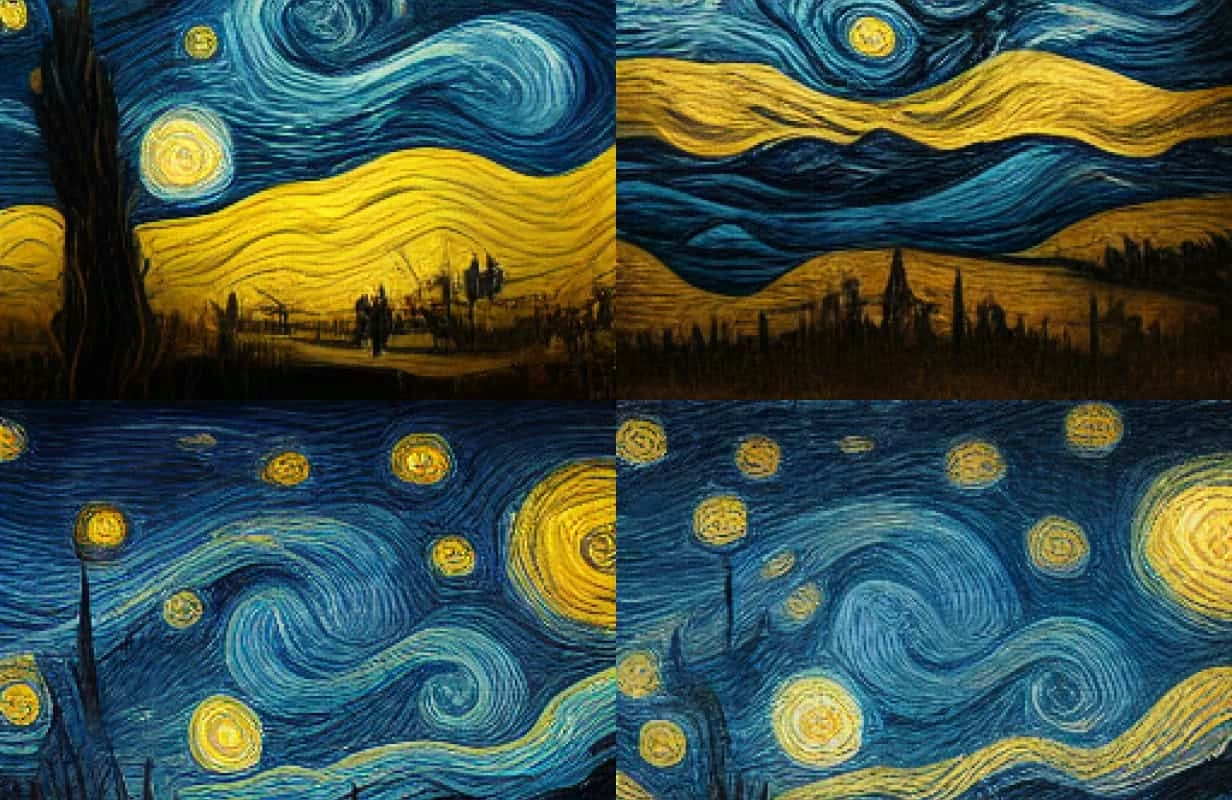
Clear Verdict and Optional Deepfake Score
The checker returns an AI-generated, not-AI-generated, or Inconclusive verdict based on the whole-image scores.
Some provider results also include a deepfake score. When present, it appears below the verdict for review with the other result details.
3 Free Image Checks Each Month
Create a free account to check images without adding a payment card. Your monthly limit is shown in the detector before you submit.
You can run 3 free image checks each month. A completed check uses one opportunity; a failed check returns it.


Built for Real-World Verification:
Who Uses Our AI Image Checker?
Creators, editors, buyers, and community teams can use the same image checker to review content with clear model scores:
Reviewing Creative Portfolios
Creators can check an image and share its AI-generated and not-AI-generated model scores when questions about its origin come up.
Screening Images Before Publication
Editors can screen incoming images for AI-generated content and use the result to decide which images need further verification.
Checking Listing Images
Buyers and marketplace teams can check whether a listing image appears AI-generated before following up with the seller.
Screening Profile Images
Community teams can review profile images with AI-generated scores and a deepfake score when the model returns one.
Frequently asked questions
Explore More
Plans & Resources
Compare monthly plans or read the latest updates from our team.
Choose a Detection Plan
Compare the available monthly image check limits and find the right option for your account or team.
Explore Alternatives
Compare browser access, result details, and free usage across image checking tools.